


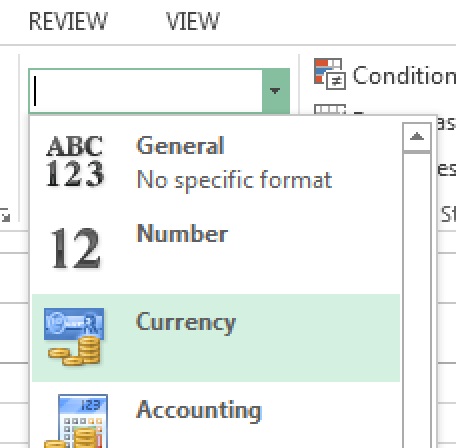
General : You can write anything inform of numbers or alphabetical characters in General there is no specific format apply.
Number : change your cell value in decimals in ending , you can also set thousand separator coma, and Negative numbers.
Currency : Allows you to show Currency Symbol if any you may also add more symbols from windows time and Regional settings.
Accounts : Line up the currency symbols and decimal points in a column.
Date : Different kinds of date Format you can set as your own wish and this will automatically appeared in the current year while you just wrote date , and month even it was a long format no worried you can easily set this in your sheet.
Time : Set format like 12 hours or 24 hours , am , pm hours , min , seconds etc.
Percentage : its Multiply the cell value by 100 and showing a symbol of % .
Text : Helps to remove any kind of number formatting just showing a simple text as you write and as you wish.
